Sonic Systems
A Comprehensive Guide to Product Sound Architecture, UX Audio, and Intelligent Audio Feedback
What are Sonic Systems?
Sonic systems are the structured audio frameworks behind the sounds a product makes. They define how a device communicates status, interaction, confirmation, warning, urgency, identity, and context through sound.
A well-designed sonic system is not just a collection of beeps, alerts, or notification tones. It is an organized audio language built around product behavior, user expectations, brand identity, hardware limitations, and real-world use conditions. From a simple home appliance to a medical device, autonomous robot, vehicle interface, or critical infrastructure platform, sonic systems help people understand what technology is doing, what it needs, and when something requires attention.

Why Sonic Systems Matter
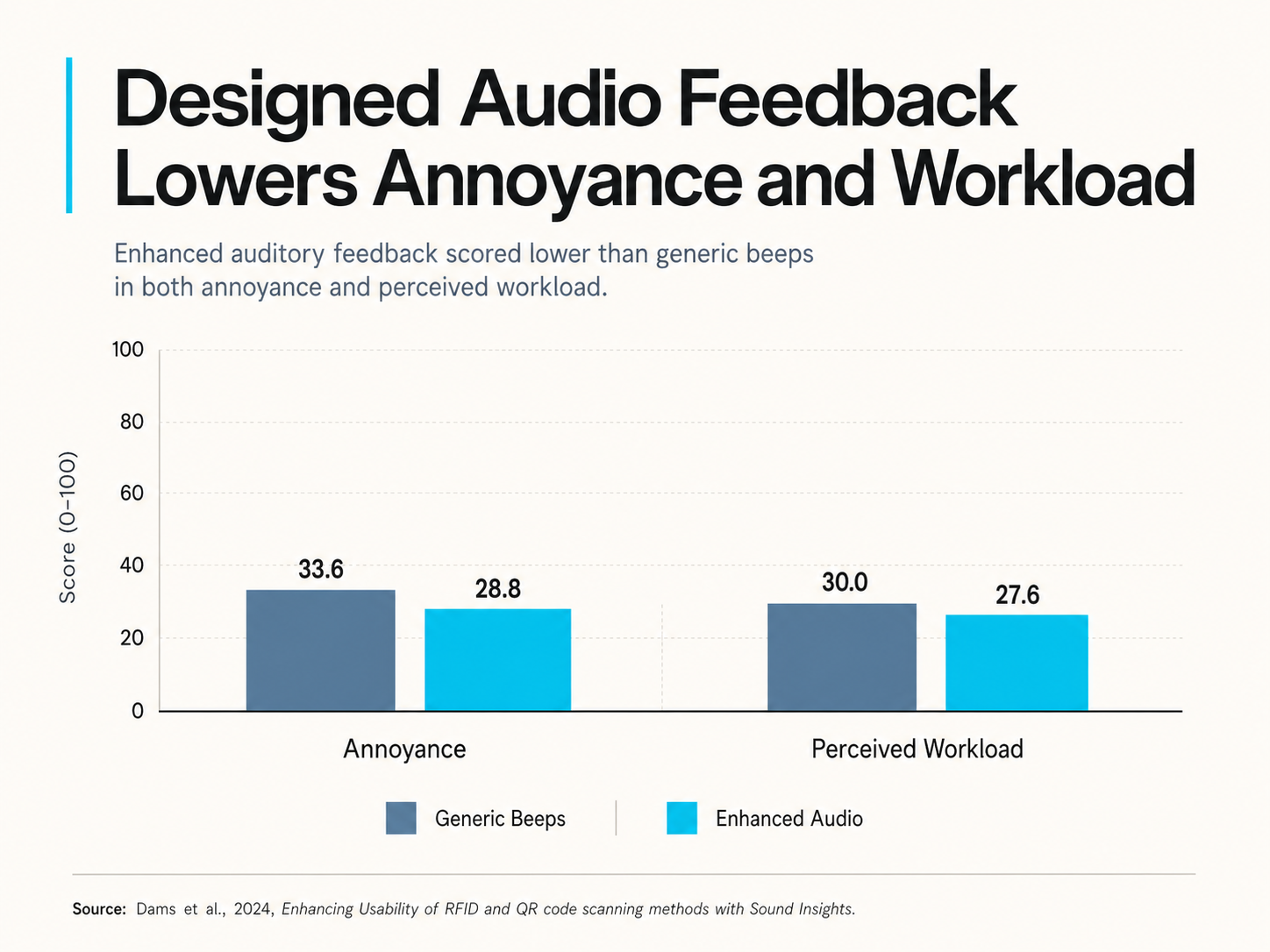
Sonic systems matter because they help products:
Communicate status without visual dependency
Confirm actions quickly and clearly
Reduce user uncertainty
Create consistent product behavior
Separate low-priority cues from urgent alerts
Support accessibility and multimodal feedback
Improve brand recognition through sonic identity
Make devices feel more intentional, premium, and trustworthy
Prevent critical alerts from being diluted by generic notification sounds
Sound is often one of the first signals a user receives from a product. It can confirm that a button press worked, tell a user that a task is complete, warn them that something is wrong, or communicate urgency before they even look at the device.
When product sound is designed poorly, users experience confusion, annoyance, alarm fatigue, mistrust, or repeated errors. When product sound is designed as a system, it becomes a functional part of the product experience.
Sonic System Architecture
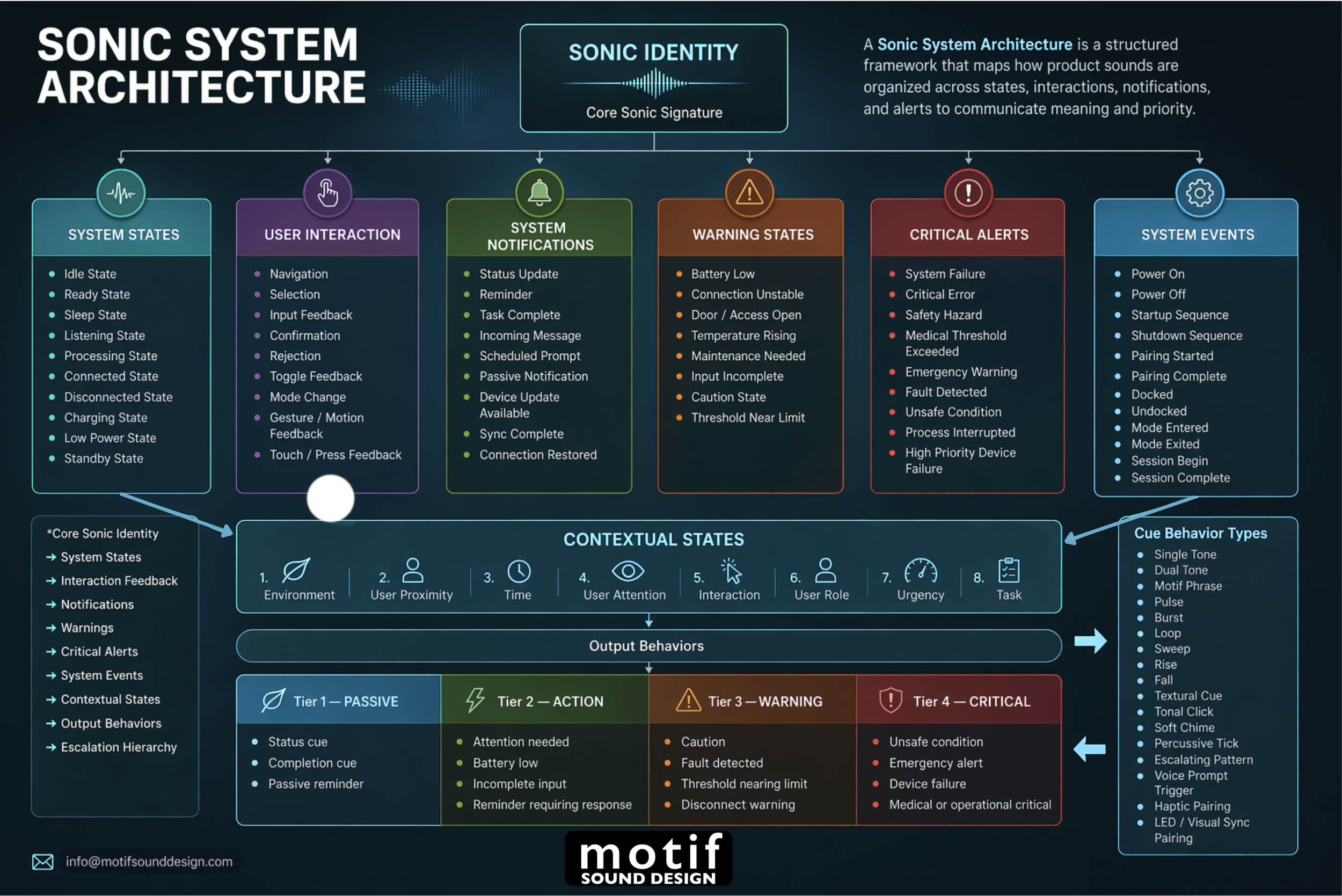
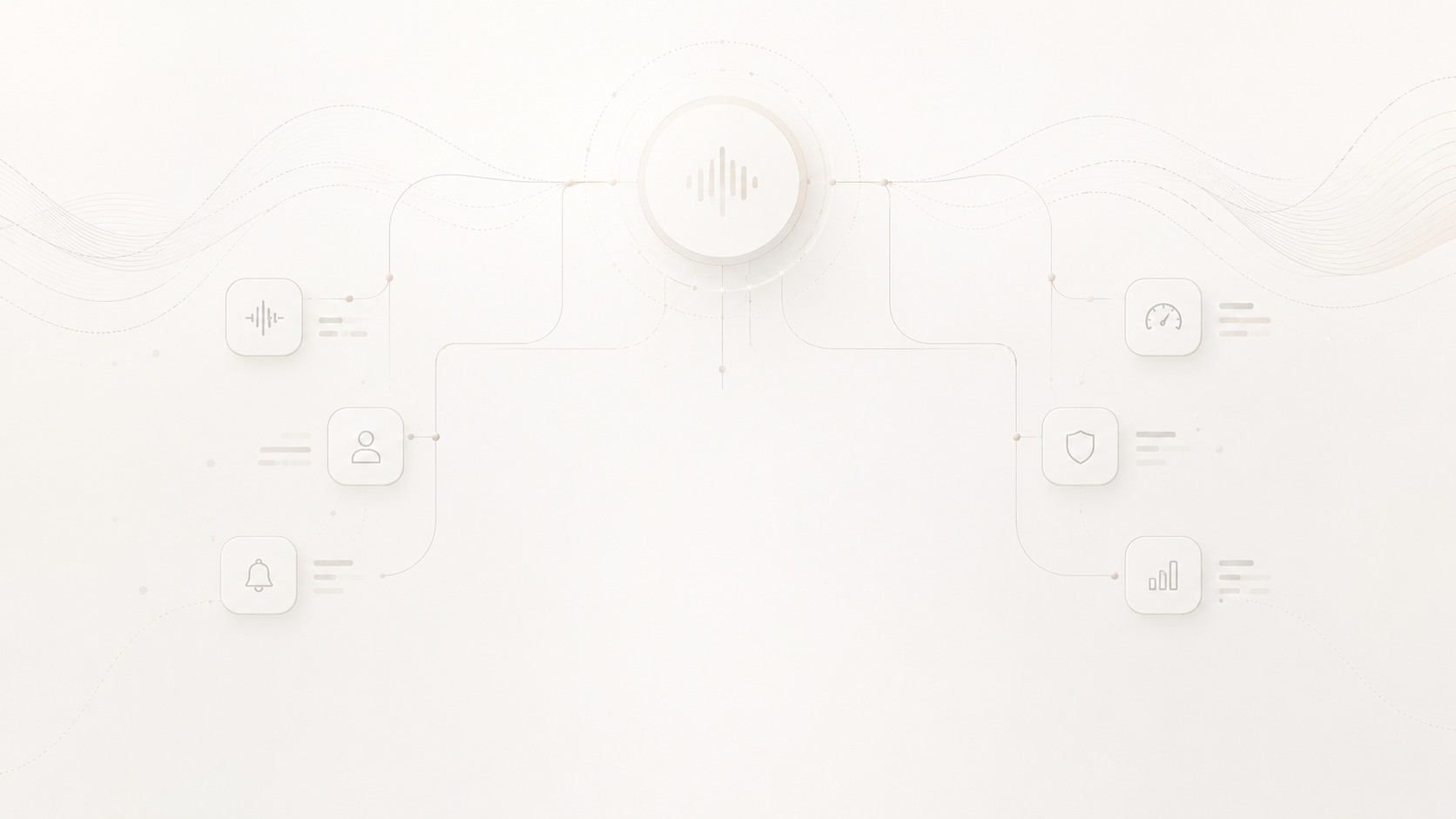
Sonic system architecture is the structured map that defines how product sounds are organized. It determines which sounds belong to which category, how they relate to one another, how urgency escalates, and how sonic identity is carried across the product experience.
One Sonic Identity.
A Complete System.
Core Sonic Identity
The core sonic identity is the recognizable audio DNA of the product. It may appear as a sonic logo, short motif, harmonic color, rhythmic pattern, tonal gesture, or recurring sound design characteristic.
In a strong sonic system, identity does not only appear in the startup sound or brand logo animation. It can subtly influence the entire audio language of the product. A confirmation tone, notification, warning, and transition cue may all share a related pitch shape, timbre, rhythm, or tonal contour.
The goal is not to make every sound identical. The goal is to create cohesion.
For example, a smart home device might use warm, soft, rounded tones to communicate calm intelligence. A medical device might use a cleaner and more precise tonal system to communicate confidence and clarity. A robotics platform might use motion-linked pulses and subtle mechanical textures to communicate presence, movement, and intent.
The strongest product sound systems make the brand recognizable without sacrificing clarity.
Hear how a core sonic identity can extend across different product states, interactions, alerts, and levels of urgency - creating a unified audio language rather than a collection of unrelated sounds.
System states are the sounds that communicate what condition a product is currently in. They help users understand whether a device is idle, ready, active, listening, processing, connected, disconnected, charging, updating, or in standby. These cues are especially useful for products without large screens, products used at a distance, or devices where users need quick confirmation of current mode.
Use cases: smart speakers, AI assistants, robotics, appliances, medical devices, wearables, smart home hubs, charging docks, and connected hardware.
Ready State
Alert
Safety Hazard
Contextual
Tier2 - Action
System notifications communicate useful information that matters but does not usually require immediate emergency response. They may indicate that a task is complete, a reminder is active, a message has arrived, an update is available, or a connection has been restored. Notifications sit between simple interaction sounds and more serious warning sounds, so they need a clear level of importance without feeling excessive.
Use cases: reminder devices, smart home products, family calendar devices, mobile apps, connected appliances, IoT systems, wearable devices, and productivity hardware.
Critical alerts are the highest-priority sounds in a sonic system. They are reserved for situations that require immediate attention, such as system failure, safety hazards, critical errors, medical thresholds, emergency warnings, or unsafe operating conditions. These sounds must be distinct, unmistakable, and used with restraint so users do not become desensitized to them.
Use cases: medical devices, emergency systems, industrial controls, robotics, automotive safety, aerospace interfaces, security systems, infrastructure monitoring, and high-risk device operations.
Contextual states describe the conditions that influence how a product sound should behave. A sound may need to change depending on environment, user proximity, time of day, user attention, urgency, task, or user role. This is where sonic systems become more intelligent, because the product does not simply play the same sound in every situation.
Use cases: smart home devices, hospital equipment, warehouse robots, autonomous systems, vehicles, hotel technology, security systems, assistive devices, and products used across multiple environments.
User interaction feedback refers to the short sounds a product makes in response to direct user input. These sounds confirm that an action has been recognized, such as a button press, tap, selection, gesture, toggle, or mode change. Good interaction feedback should be fast, clear, and non-fatiguing because these sounds may be heard repeatedly during normal use.
Use cases: app interfaces, touchscreen devices, physical buttons, smart appliances, vehicle controls, wearable interfaces, robots, medical tools, and embedded device menus.
Confirmation
Battery Low
Power Off
Pulse
Tier4 - Critical
Warning states are sounds that tell the user something needs attention before it becomes critical. These cues should be more noticeable than normal notifications but not so aggressive that they create panic. Warning sounds are often part of an escalation system, where a condition such as low battery, unstable connection, rising temperature, or maintenance need becomes more urgent over time.
Use cases: battery-powered devices, medical devices, home security systems, robotics, vehicles, industrial tools, appliances, access systems, and environmental monitoring products.
System events are sounds connected to specific product operations or transitions. They communicate that a process has started, ended, or changed state, such as power on, power off, pairing, docking, undocking, startup, shutdown, calibration, or session completion. These cues make products feel more predictable by confirming important operational moments.
Use cases: smart devices, charging docks, Bluetooth products, robotics, wearables, appliances, vehicle systems, medical equipment, and connected consumer hardware.
Output behaviors define how a sound is delivered over time. A sound may function as a single tone, dual tone, pulse, burst, loop, sweep, rise, fall, motif phrase, tonal click, soft chime, escalating pattern, or synchronized haptic/LED cue. This matters because meaning is shaped not only by the sound’s tone, but also by rhythm, duration, repetition, movement, and behavior.
Use cases: UI feedback, processing sounds, confirmation tones, alerts, warning escalation, robotic motion cues, haptic pairing, LED-synced interactions, and branded product interfaces.
Tier3 - Warning
Escalation hierarchy is the priority structure that separates passive cues, action-required prompts, warnings, and critical alerts. It prevents every sound from feeling equally important and helps users understand how urgently they need to respond. A strong hierarchy makes the product easier to interpret by giving each sound a defined role, level, and behavioral rule.
Use cases: medical devices, robotics, smart home products, appliances, vehicle systems, industrial controls, security platforms, and any product where some sounds are more important than others.
Tier1 - Passive

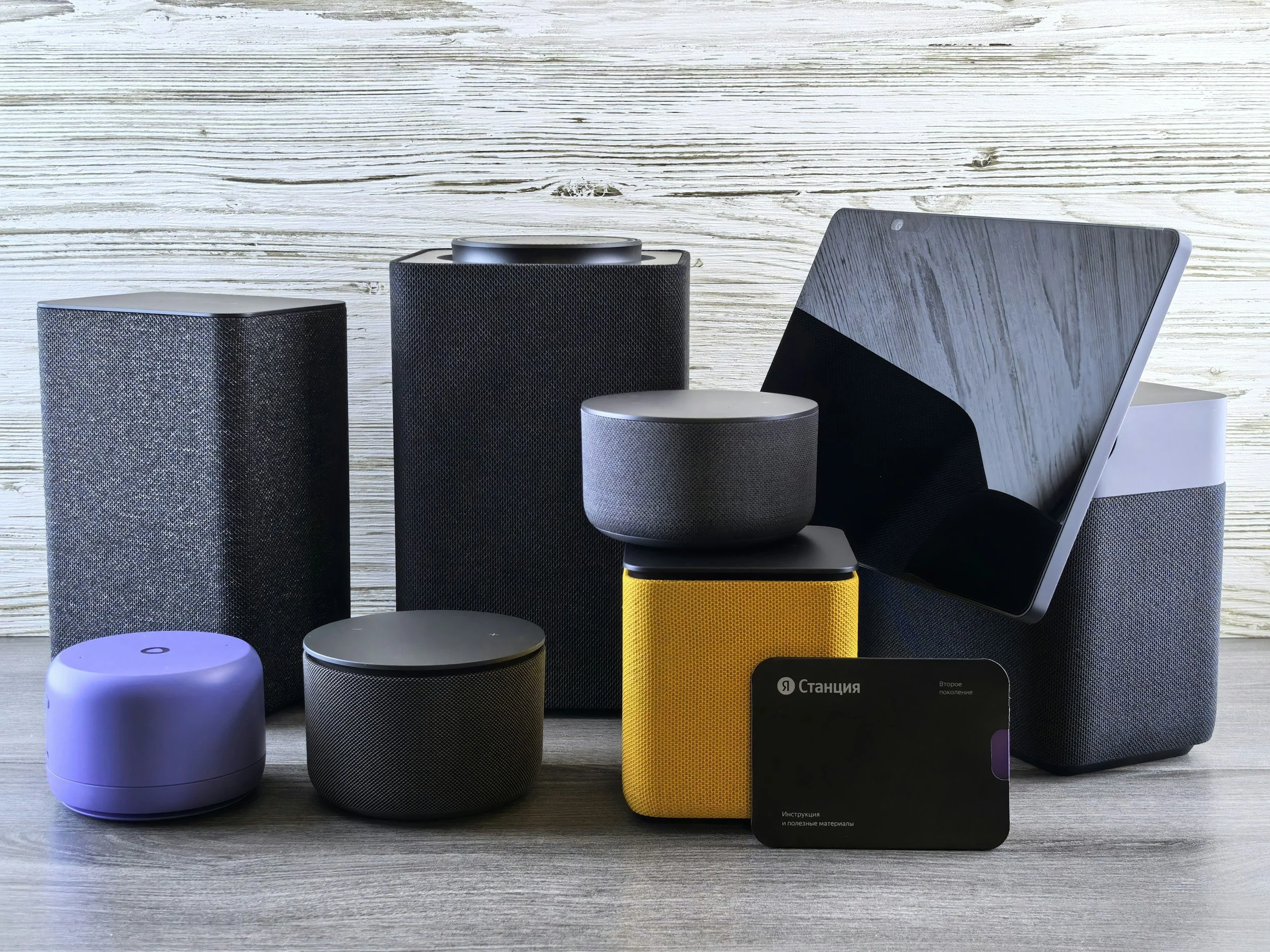
Mid-Level Sonic System Example: Smart Home Device
A smart home device usually needs a more developed sound language because it may interact with users throughout the day.
Typical sounds:
Wake
Confirmation
Reminder
Notification
Microphone muted
Microphone active
Pairing complete
Low battery
System update
Primary goal:
Create trust, clarity, and daily usability.
Design approach:
Keep sounds warm, non-intrusive, and context-aware. Notifications should be noticeable but not stressful. Privacy-related sounds should be especially clear.
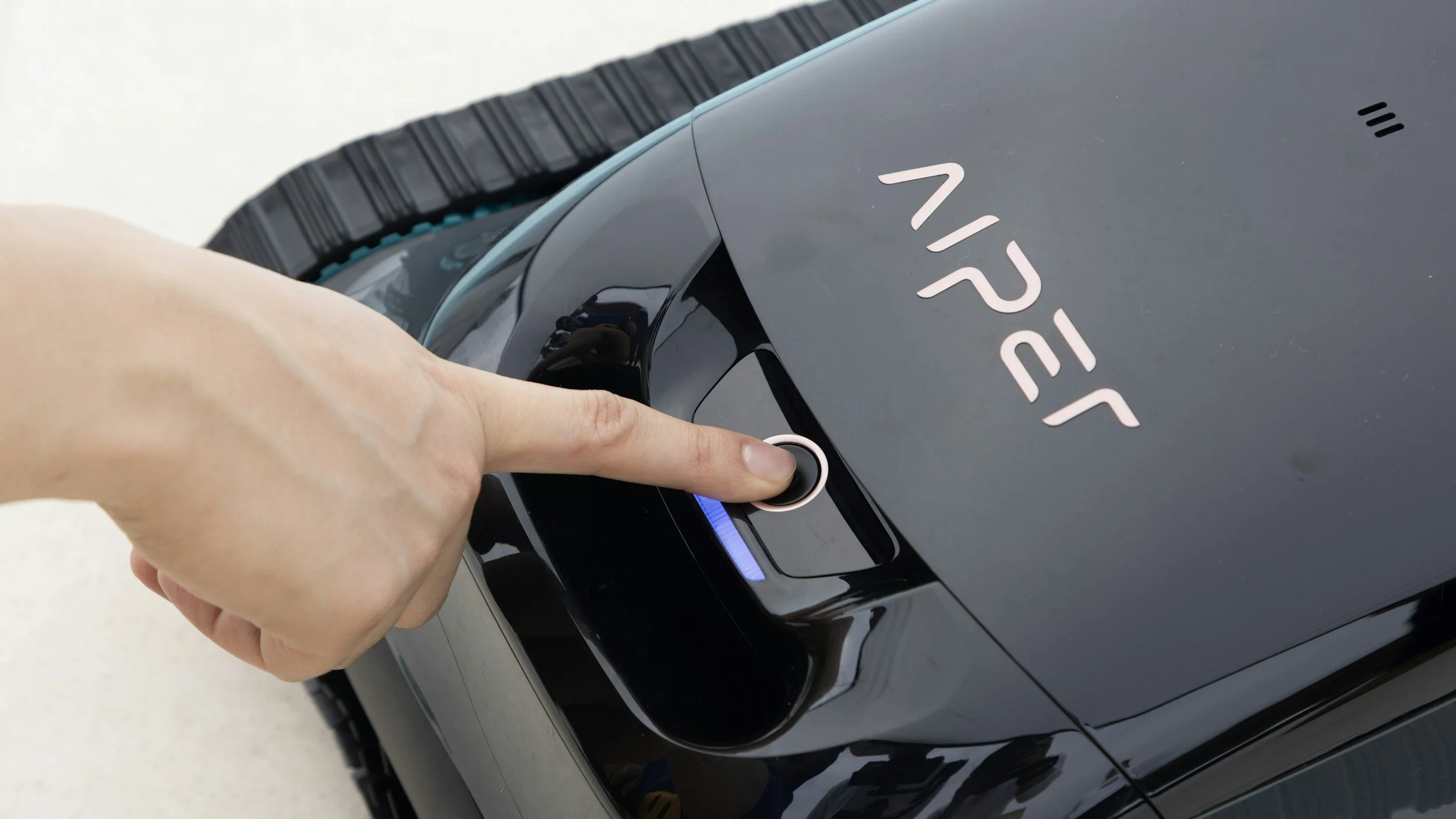
Advanced Sonic System Example: Robotics
Robotics requires audio that communicates state, motion, intent, and proximity.
Typical sounds:
Wake
Ready
Movement start
Movement active
Approaching user
Docking
Charging confirmed
Task complete
Emergency stop
Primary goal:
Make robotic behavior legible, predictable, and safe.
Design approach:
Use motion-linked timing, proximity-aware cues, contextual alerts, and clear differentiation between friendly interaction sounds and safety sounds.
Mission-Critical Sonic System Example: Infrastructure, Aerospace, Industrial, and Security Systems
Critical infrastructure audio requires a disciplined approach. These systems may operate in noisy environments, under stress, or with multiple users sharing responsibility.
Typical sounds:
System status
Access granted
Access denied
Fault detected
Threshold warning
Emergency condition
Evacuation or hazard alert
Role-based notification routing
Primary goal:
Communicate priority, urgency, and operational meaning without ambiguity.
Design approach:
Use a formal escalation system, strong category separation, durable repetition logic, and context-specific output behavior. Avoid overly musical or decorative cues that could reduce seriousness or clarity.
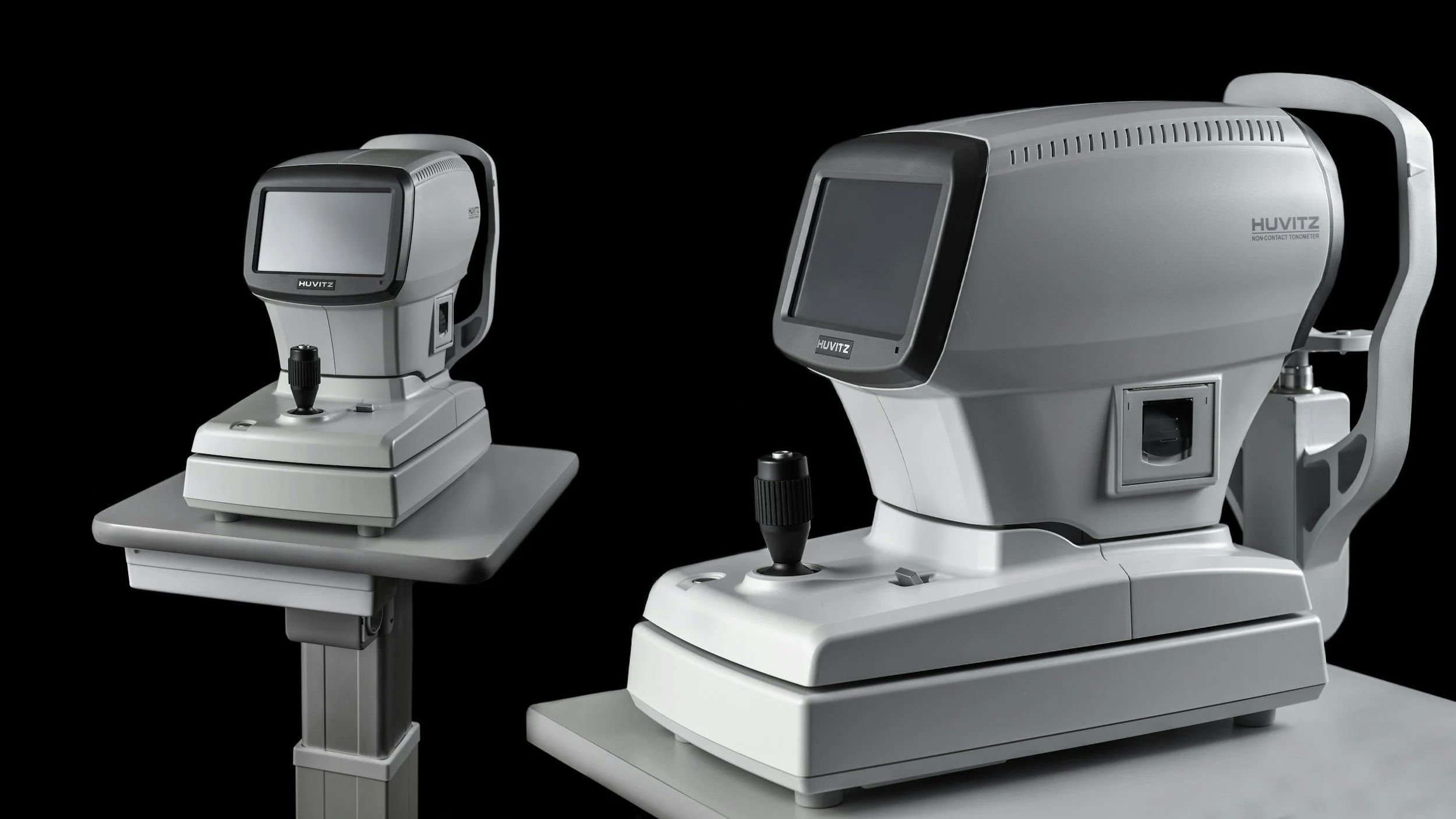
High-Reliability Sonic System Example: Medical Device
Medical device audio must communicate clearly without creating unnecessary stress or alarm fatigue.
Typical sounds:
Power on
Ready state
Measurement complete
Reminder
Device disconnected
Sensor error
Fault
Critical alarm
User acknowledgment
Caregiver alert
Primary goal:
Support clarity, safety, trust, and timely response.
Design approach:
Use a strict alert hierarchy. Separate informational sounds from clinical warnings. Reserve critical alerts for genuine high-priority conditions. Test sounds in realistic environments and on actual hardware.

How Sonic Systems Scale from Simple Products to Critical Infrastructure
Entry Level Sonic System Example: Home Appliance
A home appliance may only need a compact sonic system.
Typical sounds:
Power on
Power off
Button press
Mode selection
Cycle start
Cycle complete
Door open
Error
Maintenance reminder
Primary goal:
Make the product feel clear, premium, and easy to understand.
Design approach:
Use short, pleasant tones with a simple hierarchy. Avoid harsh alarms unless there is a safety issue. Keep repeated sounds soft and non-fatiguing.
Additional Considerations
Branding

Sonic systems are a direct extension of brand identity. The way a product sounds can make it feel precise, warm, playful, calm, premium, technical, or clinical. A strong sonic system helps make the product recognizable, reinforces trust, and creates consistency across the full user experience.
Hardware Constraints
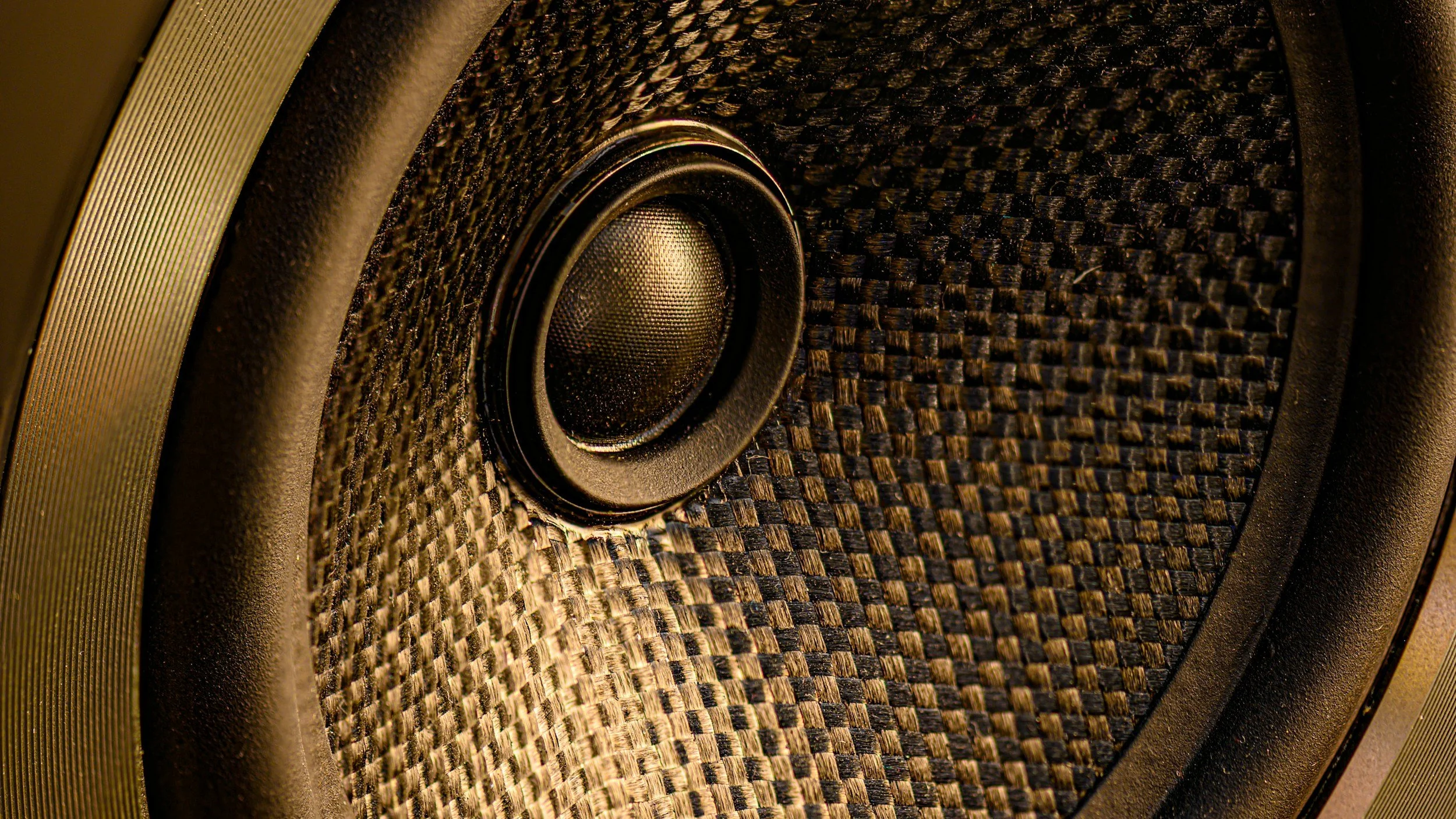
Product sound design must work inside real hardware. Speaker size, enclosure design, piezo limitations, playback format, memory, battery use, loudness, and environmental noise all affect how a sound performs. A sonic system is only successful when it communicates clearly through the actual product.
UX Audio
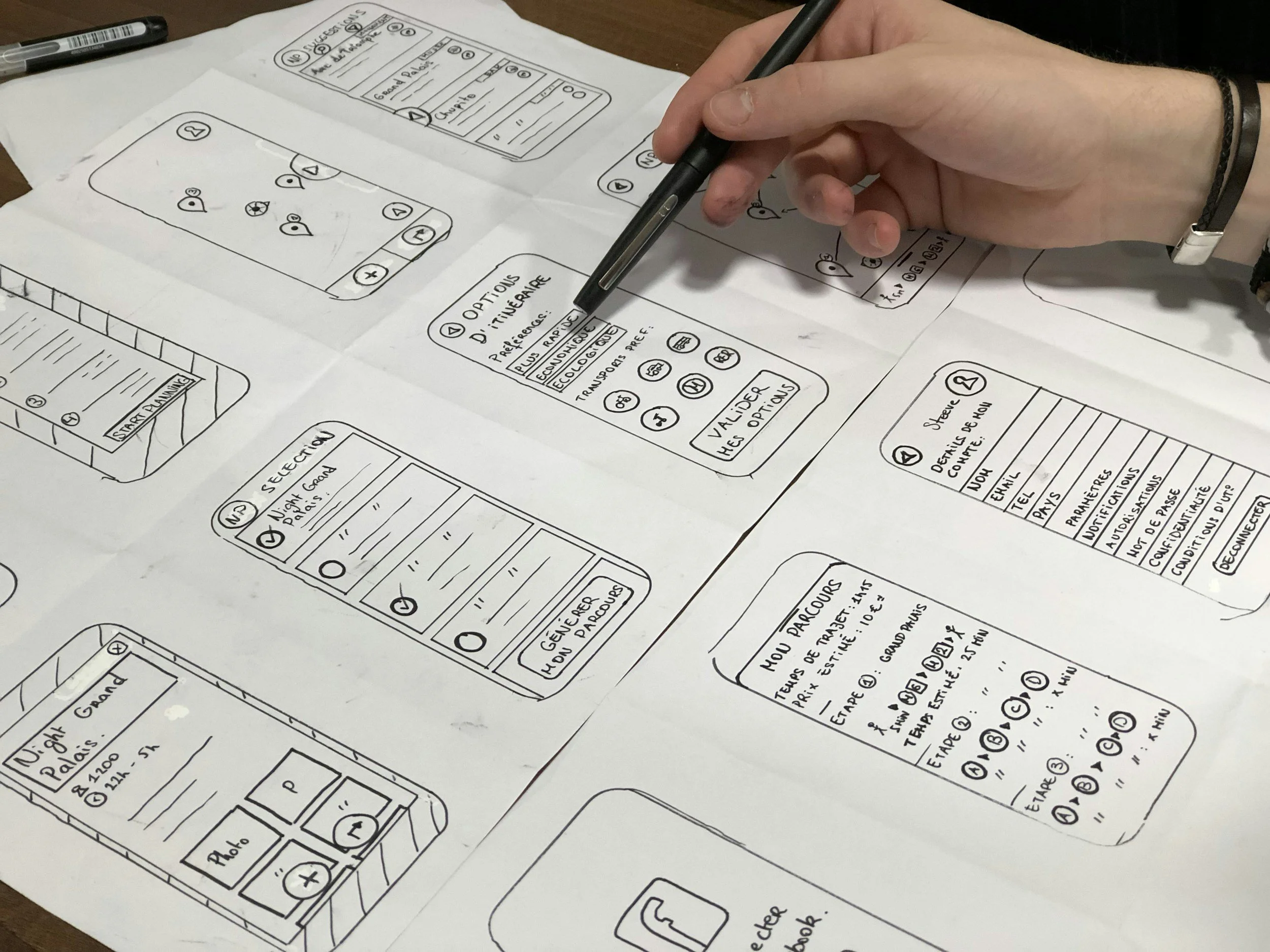
UX audio is the interaction layer of a sonic system. It helps users understand whether an input was received, an action succeeded, a device is listening, a task is complete, or something needs attention. Good UX audio reduces confusion and makes the product feel more responsive, intuitive, and reliable.
Why Sonic Systems Matter
Sound is often one of the first signals a user receives from a product. It can confirm that a button press worked, tell a user that a task is complete, warn them that something is wrong, or communicate urgency before they even look at the device.
When product sound is designed poorly, users experience confusion, annoyance, alarm fatigue, mistrust, or repeated errors. When product sound is designed as a system, it becomes a functional part of the product experience.
Sonic systems matter because they help products:
Communicate status without visual dependency
Confirm actions quickly and clearly
Reduce user uncertainty
Create consistent product behavior
Separate low-priority cues from urgent alerts
Support accessibility and multimodal feedback
Improve brand recognition through sonic identity
Make devices feel more intentional, premium, and trustworthy
Prevent critical alerts from being diluted by generic notification sounds

Build a Sonic System That Works.
Product Audio Designed for the Real World
Cohesive sonic identity across the product experience
Clear interaction, notification & urgency hierarchies
Designed around hardware, environment & user behavior